We're now booking projects for Q4.


Share this post


 Copied
Signup to our newsletter
Not every customer wants the same thing, needs the same service or chooses a business for the same reason. Treating them as one audience can leave your marketing too broad to persuade anyone.
Customer segmentation gives you a practical way to group customers into useful customer segments by what they have in common, then tailor your marketing, services and follow-up to those differences. It’s a form of market segmentation that doesn’t need a complicated software platform or a spreadsheet with more tabs than sense. Start with useful information you already have, and build segments that help you make better business decisions.
What Is Customer Segmentation?
Customer segmentation is the process of dividing customers or potential customers into groups that share relevant characteristics. Those characteristics might include location, behaviour, needs, business type or where someone is in their relationship with you. Common customer segmentation models include demographic, geographic, psychographic and behavioural segmentation. (guides.loc.gov)
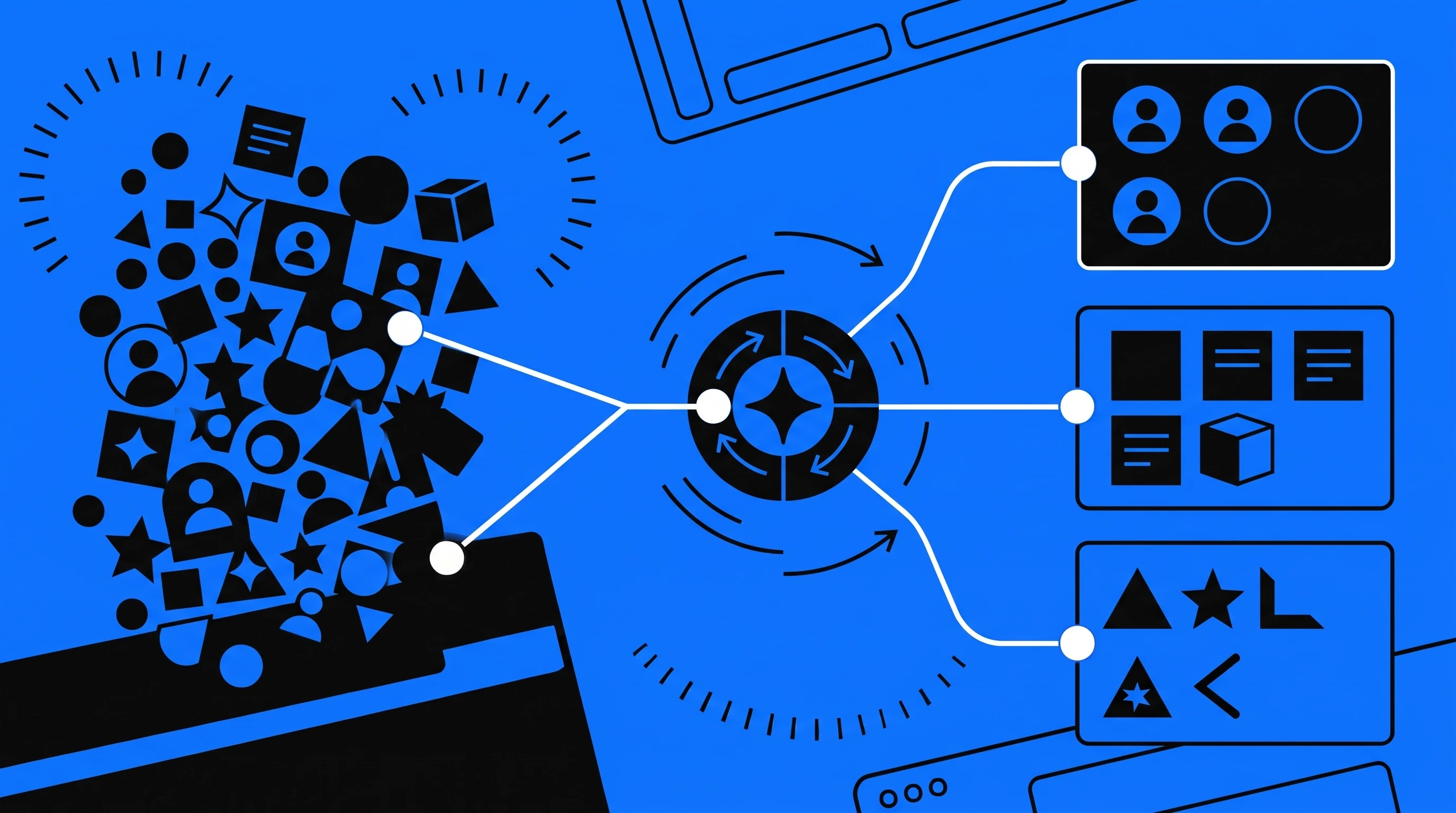
The point isn’t to create a detailed profile of every individual. It’s to spot meaningful differences between groups and respond to them.
For example, a home services business might have customers who need urgent repairs, customers planning a renovation and landlords arranging work across several properties. They may all need the same trade, but their priorities, timelines and questions are different.
Good segmentation helps you answer three practical questions:
- Who are we trying to reach?
- What does this group need from us?
- What should we change in our message, offer or follow-up?
[IMAGE 2 PLACEHOLDER]
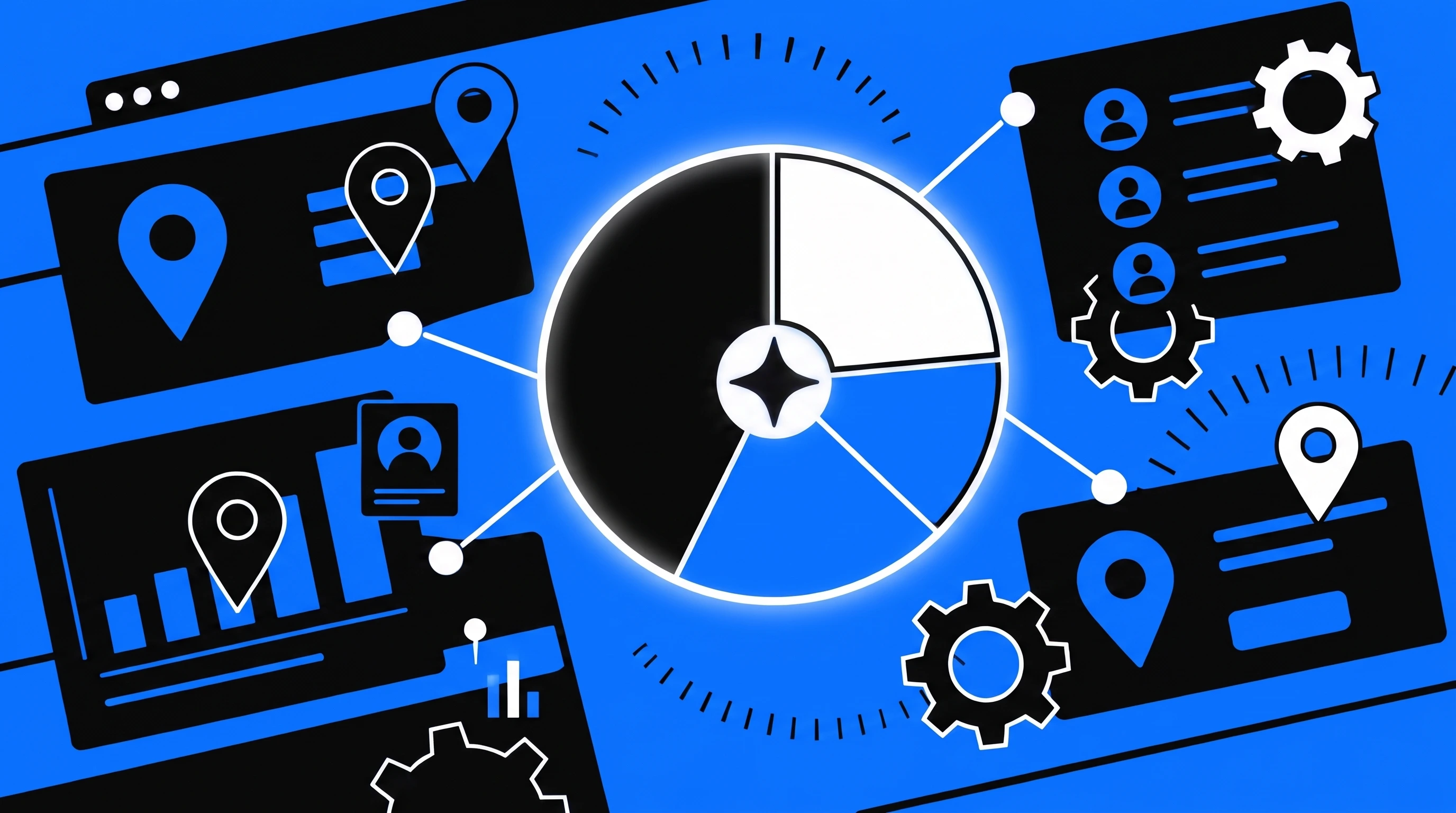
When you send the same message to everyone, you risk making it too general to connect with anyone. Segmentation helps you focus your marketing on the people most likely to need what you offer, using messages that reflect their situation. A thoughtful segmentation strategy can also help improve the customer experience and build customer loyalty.
That can make it easier to:
- Choose which services or offers to promote.
- Write website pages that speak to specific customer needs.
- Decide where local marketing should focus.
- Send more relevant emails and follow-ups.
- See which types of enquiries lead to good work.
Segmentation isn’t a magic switch for more sales. It’s a way to make better choices about your audience, your marketing and the time you spend on both.
Common Customer Segmentation Methods
There’s no single method that suits every business. A local contractor, a consultancy and a coaching business may all find different information useful. These are some common ways to build segments.
Geographic Segmentation
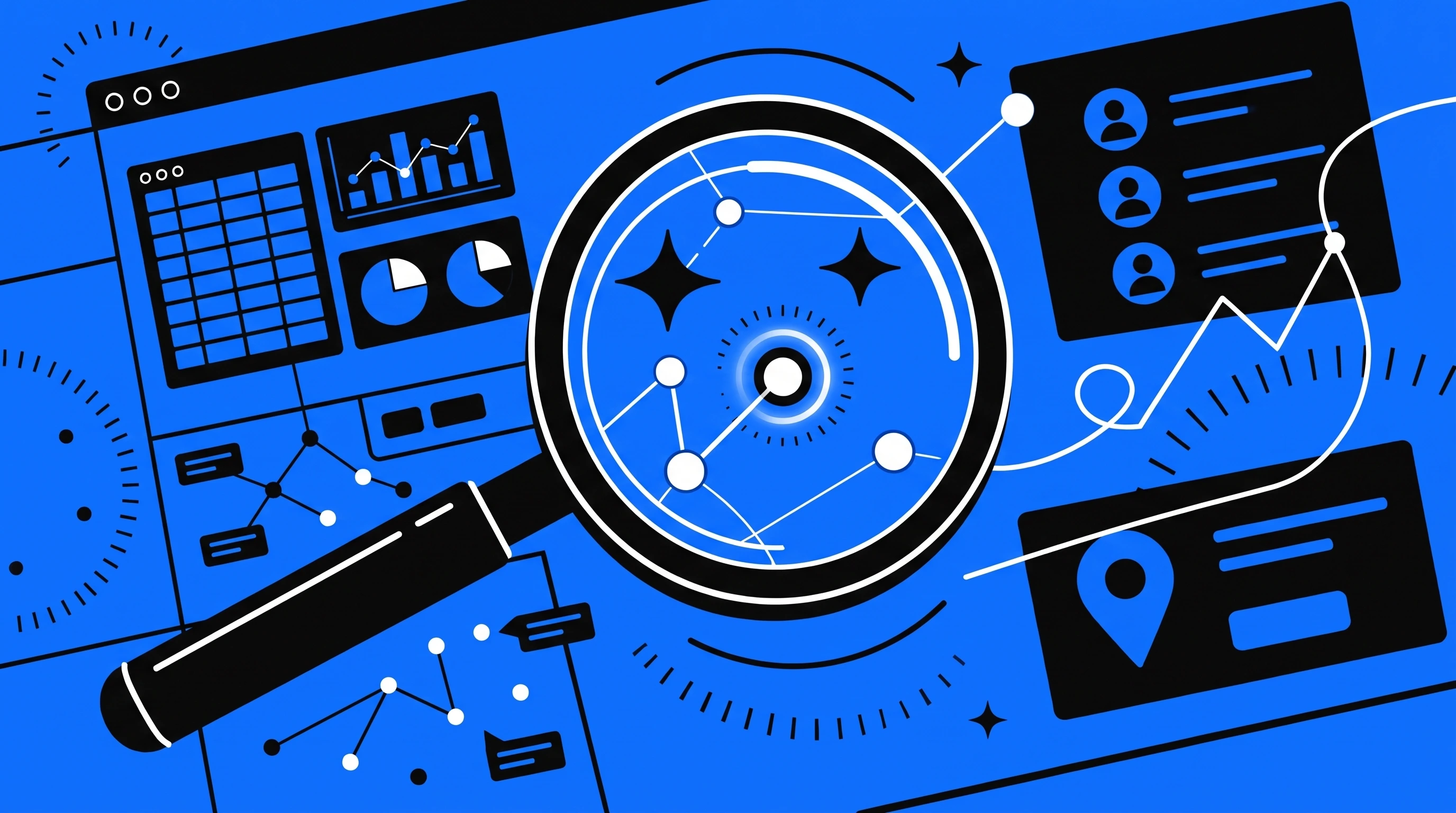
Geographic segmentation groups people or businesses by where they’re based. It’s useful when location affects whether someone can buy from you or how you deliver your service.
A plumber might group enquiries by service area, while a consultancy could separate local clients from those served remotely. A coach might focus on a local in-person audience and a separate online audience.
For businesses working across North East England, geographic segments might include Newcastle, Gateshead, Sunderland and surrounding areas. The important question isn’t simply where people live. It’s whether that location changes your offer, service or marketing.
Demographic Segmentation
Demographic segmentation groups people by characteristics such as age, income, occupation or household situation. These demographic details can help in some markets, but they don’t always explain why someone buys.
A home services company might distinguish between homeowners and landlords. A financial or professional service might find occupation or business ownership more relevant than age.
Use demographic information when it helps you make a real marketing decision. A detail that looks interesting in a customer profile isn’t automatically useful.
Firmographic Segmentation
For business-to-business organisations, firmographic segmentation looks at characteristics of a company. These can include industry, location, size, team structure or business model.
For example, an IT provider could group prospects by industry and number of staff. A commercial cleaning firm might distinguish between offices, schools and hospitality businesses because each has different service requirements. Technographic segmentation, based on the technology a business uses, can also help when that affects the services you offer.
Firmographic segmentation can help you prioritise prospects and adapt your sales materials to the organisations you want to work with.
Behavioural Segmentation
Behavioural segmentation groups customers by what they do, such as services they enquire about, pages they visit, emails they respond to or purchases they make. It focuses on observed actions, rather than assumptions about what people might want. (guides.loc.gov)
A business might separate people who:
- Enquired about a particular service.
- Booked an initial consultation.
- Bought once but haven’t returned.
- Asked for a quote but didn’t proceed.
- Regularly engage with useful email content.
These groups can help you decide what follow-up makes sense. Someone who has asked for a quote may need a timely answer to their questions. A past customer may need a relevant reminder or information about a related service.
Needs-Based Segmentation
Needs-based segmentation groups people by the problem they want solved or the outcome they’re seeking. For many service businesses, this is more actionable than a broad label such as age or location.
A coach might serve clients who want to improve performance, build confidence or prepare for a specific event. A trades business might distinguish between urgent repairs, planned upgrades and ongoing maintenance.
The more clearly you understand the need, the easier it is to explain how your service helps.
Psychographic Segmentation
Psychographic segmentation considers factors such as values, interests, attitudes and lifestyle. It can help explain why two people with similar demographics may make different buying decisions. (guides.loc.gov)
For example, one customer may prioritise speed and convenience, while another wants reassurance, detailed explanations and a long-term relationship. A professional services firm may find that some prospects value specialist expertise, while others are more concerned with clear communication and predictable costs.
Psychographic insights are best grounded in conversations and observed customer feedback. Don’t turn a hunch into a customer fact.
Lifecycle Segmentation
Lifecycle segmentation, also called lifecycle stage segmentation, groups people by their relationship with your business. Common groups include new leads, first-time customers, repeat customers and inactive customers.
A new enquiry may need clear information about your process. A recent customer may benefit from practical aftercare. Someone who hasn’t booked again may need a relevant reason to return, rather than another generic email.
Lifecycle segments are often easy to put into action using a CRM or email platform, provided your customer information is organised.
Customer Segmentation Examples
Here’s what segmentation might look like in three different service businesses. These groups can also help you develop practical buyer personas and customer profiles.
Local Trades and Home Services
A heating business could group its audience into:
- Homeowners looking for an urgent repair.
- Homeowners planning a system replacement.
- Landlords arranging maintenance for rental properties.
Each group has a different reason to get in touch. The business could create clear website content for each service, explain what information is needed for an enquiry and make its service area easy to understand.
Professional and B2B Services
A consultancy could segment prospects by company type, size and the challenge they want help with. For example, a small firm seeking a one-off review may need a different offer from a growing company looking for ongoing support.
The consultancy could use these segments to shape its service pages, case examples and initial sales conversations. The goal is to make the next step relevant, not to give every prospect a different company.
Independent Coaches and Performance Brands
A coach could group their audience by goal, experience level or preferred way of working. New clients might need an introductory session, while experienced clients could be looking for focused support around a specific performance target.
These groups may respond to different examples, content and booking options. A well-structured website can help each person find the right information without forcing them through a maze of generic promises.
How to Build Customer Segments: A Practical Guide
You don’t need advanced analytics to get started. A simple customer segmentation analysis can help you turn what you know about customers into useful marketing decisions.
1. Start With a Business Goal
Decide what you want segmentation to help you do. You might want to attract more suitable enquiries, improve repeat bookings, promote a particular service or reduce time spent following up poor-fit leads.
Keep the goal specific enough to guide your choices. “Understand our customers better” sounds sensible, but it doesn’t tell you what to do next.
2. Review the Information You Already Have
Look at enquiry forms, past customer records, sales notes, website enquiries and conversations with your team. Your customer data may already show useful patterns. You could also ask recent customers what led them to contact you and what mattered when they chose a provider.
Start with information you can use responsibly and maintain. If collecting a detail won’t help you make a decision, leave it out.
3. Look for Patterns That Affect Your Offer
Group customers by meaningful differences. Do they need different services, have different buying timelines or ask different questions? Do some types of work fit your business better than others?
Start with a small number of segments. If you create a separate group for every possible difference, you’ll end up with a filing system rather than a marketing tool.
4. Write a Useful Segment Description
For each group, note:
- What are they trying to achieve?
- What’s prompted them to seek help?
- Which questions or concerns are holding them back?
- What service or next step would best suit their needs?
Keep the description practical. “Busy, quality-focused customers” could mean almost anything. “Landlords seeking maintenance across several properties” tells you more about what to offer and say.
5. Adapt One Part of Your Marketing
Choose a useful place to apply the segment. You might adjust a service page, enquiry form, email sequence, paid campaign or sales follow-up.
For example, if you regularly serve both homeowners and landlords, you could make each service option clearer on your website and ask a simple question about property type in your enquiry form.
6. Measure What Changes
Check whether the change is helping with your original goal. Depending on the business, useful measures could include relevant enquiries, booked consultations, quote acceptance, repeat bookings or revenue from a service. Over time, these results may also help you understand the lifetime value of different customer segments.
Website visits and email opens may help you understand what people are doing, but they’re not the finish line. The commercial outcome matters more.
7. Review and Refine
Customer needs and business priorities change. Review your segments when your services, service area or customer mix changes, and when the information no longer helps you decide what to do.
Segmentation should guide your marketing. It shouldn’t become a permanent museum of customer assumptions.
Put Customer Segments Into Your Analytics, CRM and Email Platforms
A useful segment needs to survive the journey from first website visit to enquiry, follow-up and sale. That means deciding what each platform should record, and keeping the names and values consistent.
[IMAGE 5 PLACEHOLDER]
Take a heating business with three useful groups: people who need an urgent repair, homeowners planning a replacement and landlords arranging maintenance. Here’s how that might translate into its systems:
| Platform | What it’s for | Example |
| Google Analytics 4 (GA4) | Understand website behaviour and which marketing sources lead to actions | Record events such as quote_form_submitted, with a service_type value such as boiler_repair |
| Usermaven | Analyse tracked website or product activity, and connect activity to known user or company profiles where configured | Track a meaningful event such as booking_completed; add relevant user or company attributes when identity is known |
| CRM | Keep the working record of each lead, customer, enquiry and sale | Store fields such as customer_type, service_interest, service_area and lifecycle_stage |
| Email platform | Send relevant messages to eligible contacts | Use consent and preference records alongside CRM fields or agreed tags to decide who receives which email |
Agree the Data Before You Import It
Before connecting systems or moving a spreadsheet, decide what you want to record and what each value means. A small, consistent set of fields is easier to report on than a sprawling collection of labels.
For example, agree whether lifecycle_stage means new_lead, customer or past_customer, and whether service_interest uses values such as boiler_repair, system_replacement and landlord_maintenance. Write down the allowed values, the team responsible for updating them and the point in the customer journey when each should change.
Use fields for information you’ll filter, report on or update consistently, such as service interest or customer type. Use tags for flexible labels that help organise contacts or trigger a particular campaign or workflow. Don’t create slightly different tags for the same thing, such as landlord, Landlords and landlord-lead. That isn’t segmentation; it’s a spelling test.
In GA4, event parameters describe an interaction, while user properties describe something about a user. Custom information may need to be configured as a custom dimension before you can report on it. Don’t send names, email addresses or other personally identifiable information to GA4. (support.google.com)
In Usermaven, user and company attributes can describe known profiles, while event attributes add detail about an action. If you want to connect activity recorded before someone identified themselves with their later profile, check that your implementation passes the required anonymous identifier through its identify process. (usermaven.com)
Port Data Carefully
When moving contacts from a spreadsheet, old CRM or email platform, don’t start by uploading everything and hoping the fields sort themselves out.
- Export the source data and keep an untouched copy, so you can check or correct the migration.
- Remove duplicates and tidy values. Standardise spelling, capitalisation, dates and phone formats. Separate information that has been bundled into one cell.
- Map each column to a destination field. For example, map Service needed to service_interest, not to a general notes field. In a CRM such as HubSpot, imports involve matching file columns to record properties; use an appropriate unique identifier when updating existing records. (knowledge.hubspot.com)
- Map tags deliberately. Decide whether a source column belongs in a structured field, a tag or both. If you’re importing into Mailchimp, tags can be added during import and used to build segments, but one consistent tag structure matters. (mailchimp.com)
- Keep permission and opt-out information intact. Don’t turn an imported contact into a marketing subscriber just because their email address is in the file. Email marketing rules depend on the type of recipient and circumstances, so check that the contact can lawfully receive the message before adding them to a campaign. (ico.org.uk)
- Test a small sample first. Check that fields landed in the right place, tags were applied correctly, existing records weren’t duplicated and unsubscribed contacts remain suppressed. Then import the rest.
Common Data and Platform Mistakes
- Using different names for the same segment: Agree standard field names and values before building reports, automations or email audiences.
- Using tags for everything: Tags can be handy labels, but stable information you need to filter or report on is often better stored in a defined field.
- Treating analytics as the customer database: Use analytics to understand behaviour; use your CRM to manage identifiable lead and customer records.
- Sending personal data into analytics: Keep names and email addresses out of GA4, including URLs, event names, event parameters and campaign tags. (support.google.com)
- Importing old or unclear permissions: Preserve opt-outs and check the basis for sending before using imported contacts in email marketing. (ico.org.uk)
- Collecting details nobody uses: Ask for information only when it has a clear purpose, and keep it accurate. (ico.org.uk)
- Building segments that don’t change the next action: If a segment doesn’t affect the message, offer or follow-up, it may not be worth maintaining.
Start with a small set of fields that helps your team make better decisions. Add another only when there’s a clear reason to collect it and someone knows how to keep it current.
Common Customer Segmentation Mistakes
Making Too Many Segments
More groups don’t automatically mean better marketing. If you can’t create a useful message or action for a segment, it may not need to exist.
Relying on Assumptions
A customer’s age, job or postcode won’t always tell you what they need. Check your ideas against enquiries, customer conversations and sales outcomes.
Using Segments That Don’t Change Anything
If every group gets the same service, message and follow-up, the segmentation isn’t doing much. Look for differences you can act on.
Treating Customer Data as a Free-for-All
Only collect information that has a clear purpose, keep it accurate and handle it with care. More data isn’t automatically better data.
Forgetting the Customer Journey
A new lead, a returning customer and someone who has just booked may need different information. Consider where each group is in its relationship with your business, not only who they are.
Turn Customer Segmentation Into Better Marketing
Customer segmentation works best when it helps you make a practical change. That might mean clearer website content, a more relevant email, a better enquiry process or a more focused campaign.
We bring website design, SEO, paid media, email marketing and CRM automation together so your marketing has a clearer path from first visit to enquiry and follow-up. If you want to work out which customer groups matter most to your business, book a free discovery call with us.
Frequently Asked Questions
Customer segmentation is the process of dividing customers or potential customers into groups that share relevant characteristics, such as location, behaviour, needs, business type or stage in their relationship with you. The aim is to tailor your marketing, services and follow-up to each group.
